01 / NOTIFICATIONS
Let the alerts through.
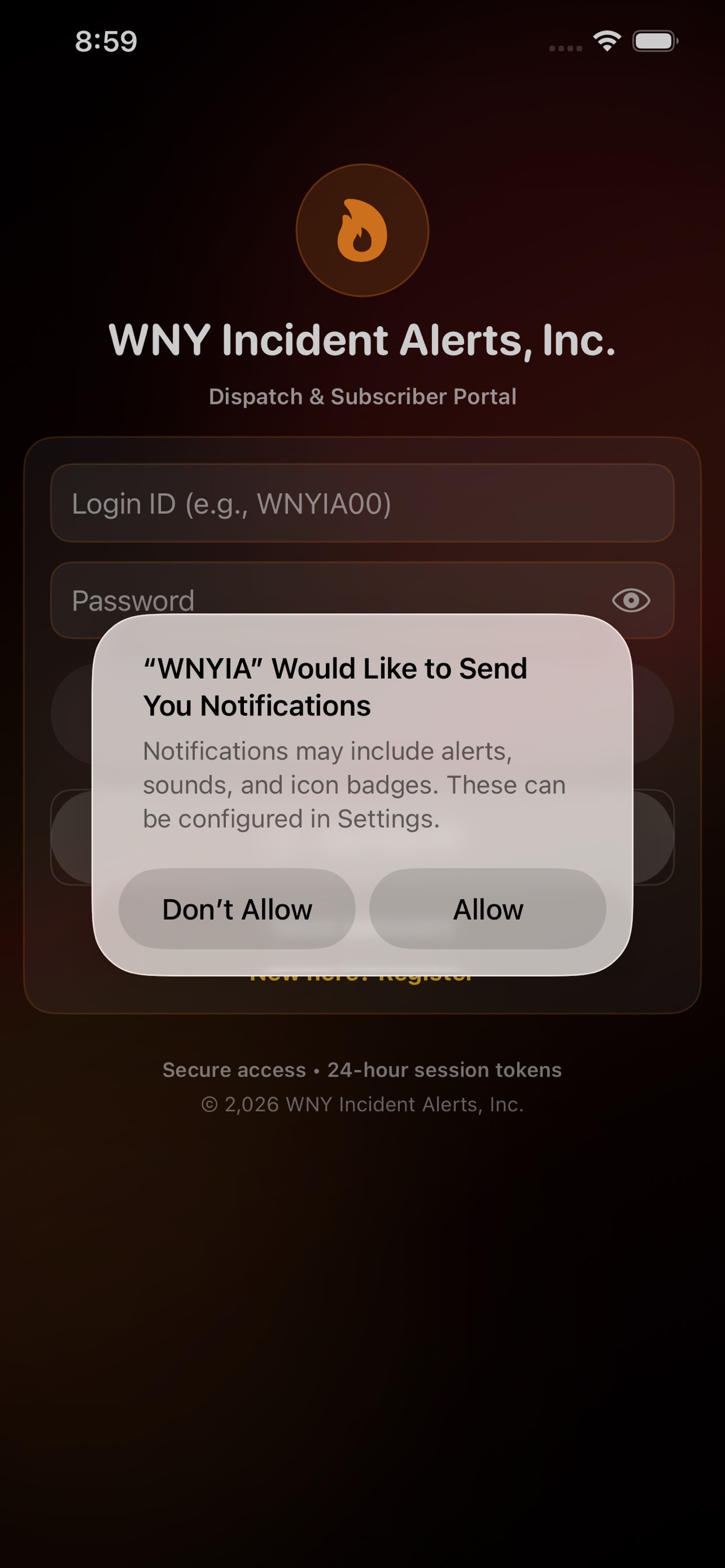
Allow RAVEN to send notifications when prompted. If you previously declined, review the notification permissions for RAVEN in your phone's settings.

Get started with RAVEN
Start with the app, then choose how RAVEN keeps you informed.
Use the official Apple App Store or Google Play links on our RAVEN page. Create your account or sign in with your existing account. Follow any verification instructions shown in the app.
Allow RAVEN to send notifications when prompted. If you previously declined, review the notification permissions for RAVEN in your phone's settings.
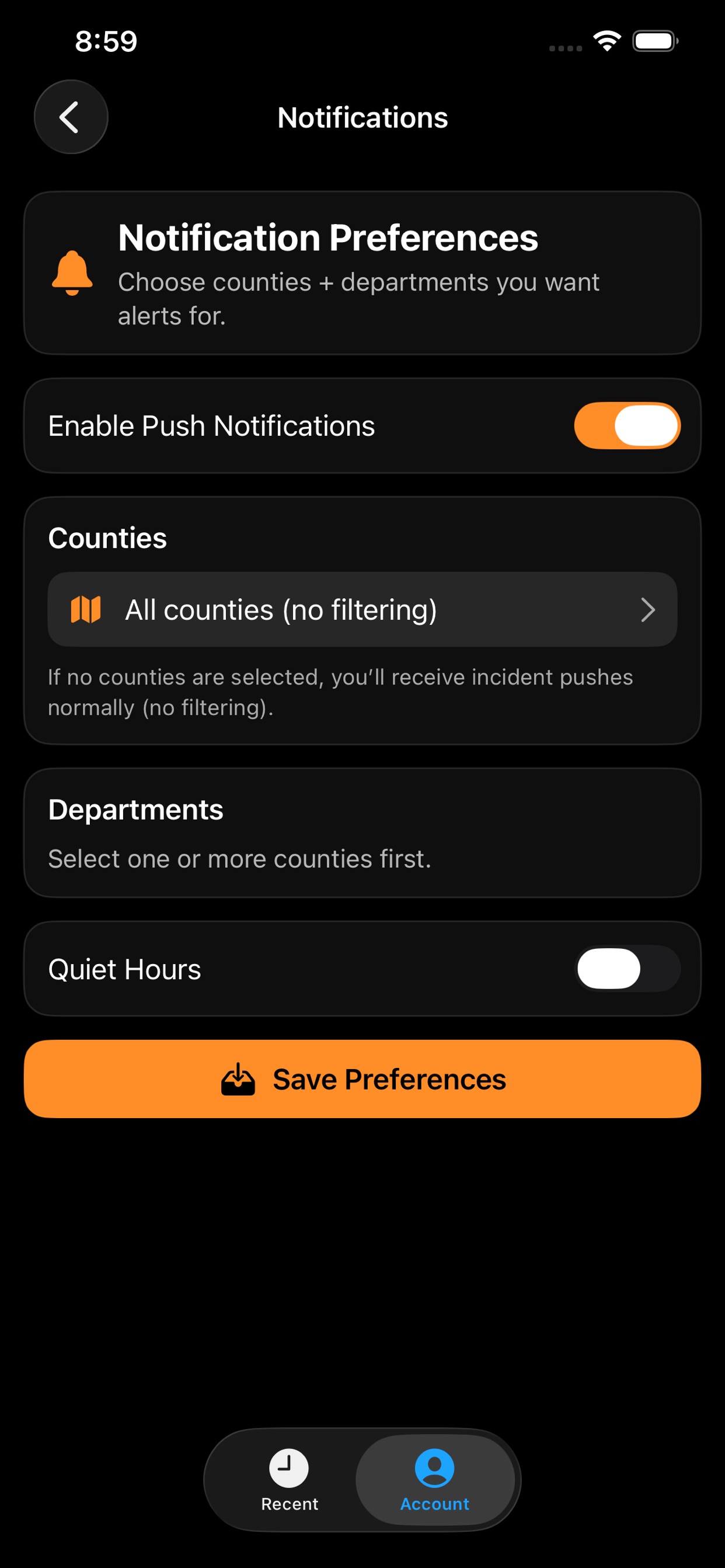
Review your county and department choices in the app. Make sure the areas and agencies you want to follow are selected, along with the notification options you want.
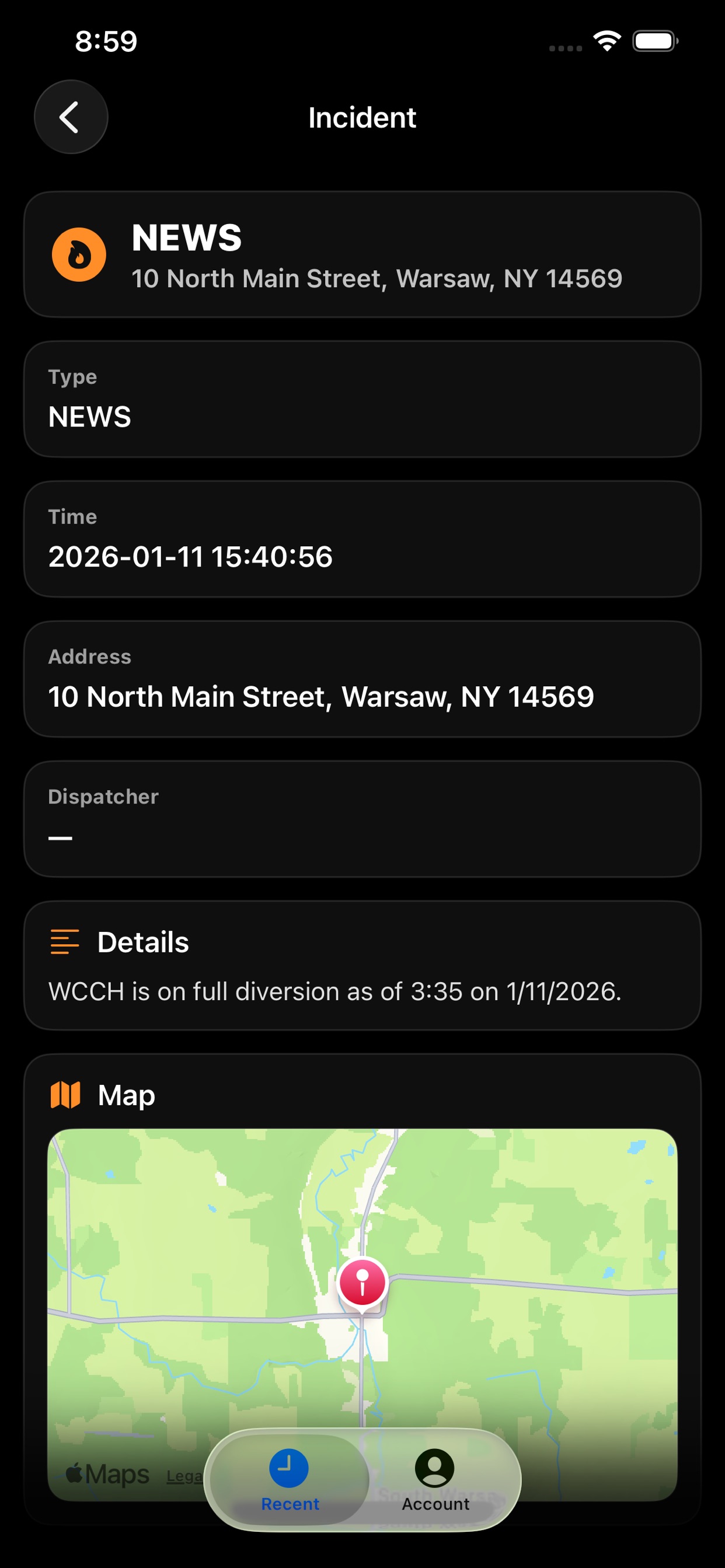
View the available incident information and mapped location. Your notification and coverage choices can be reviewed again as your needs change.